

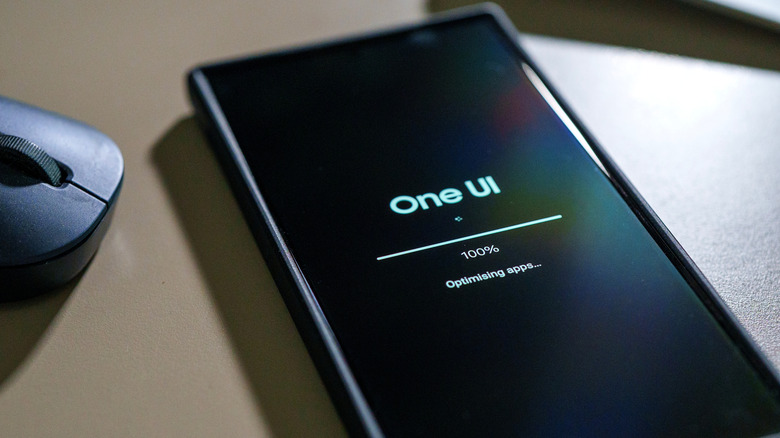
The overlooked Samsung One UI setting that cleans up your screenshots
Learn how to hide the status and navigation bars in One UI screenshots on your Samsung Galaxy phone for cleaner images without manually cropping.
Published
Original News Source
Engadget
Source Website
www.engadget.com ↗
Content & Media Rights
[email protected] (Gabriela Vătu) / Engadget
Editorial Publisher
360 NEWS (Independent Media)
360 News
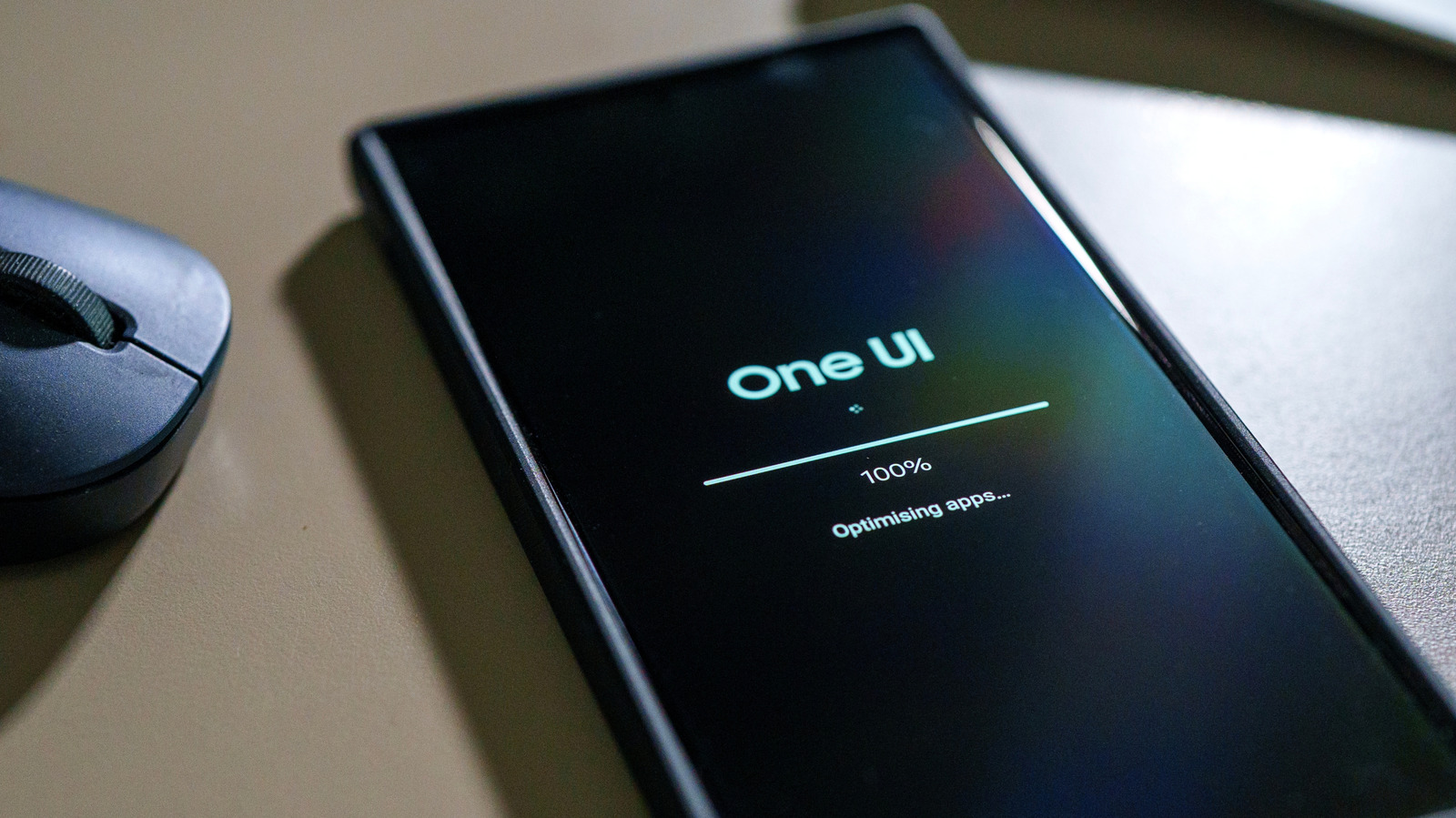
Learn how to hide the status and navigation bars in One UI screenshots on your Samsung Galaxy phone for cleaner images without manually cropping.
GOOGLE ADVERTISEMENT
360°
360° PERSPECTIVE
Verified viewpoints, counter-arguments & evidence
Policy Proponents & Institutional Observers
(Institutional Assessment Desk, Public Policy Review Desk)
2026-11-29
"Proponents and sector analysts emphasize that this development strengthens institutional transparency, addresses long-standing public priorities, and establishes a foundation for durable systemic progress."
Source & Evidence:
Source: Engadget ↗
Related Stories

Entertainment & Cinema
'Reacher' Creator Reveals Why His Franchise Will Never Make the Same Mistake as James Bond
48 minutes ago

US News
College Board says hackers likely used AI to access student accounts
15 minutes ago
Entertainment & Cinema
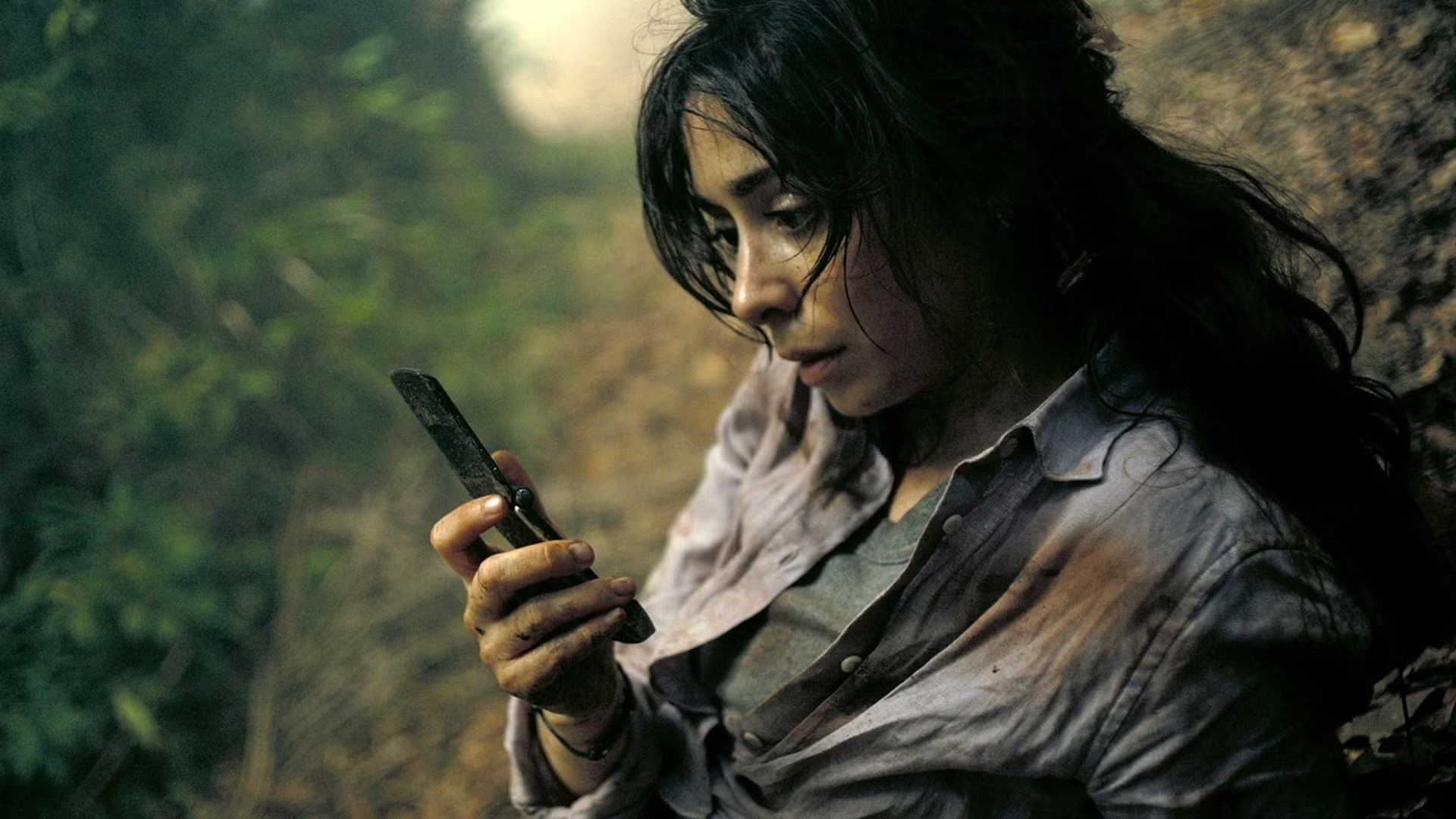
The Resort Ending Explained (In Detail)
18 minutes ago
Sports
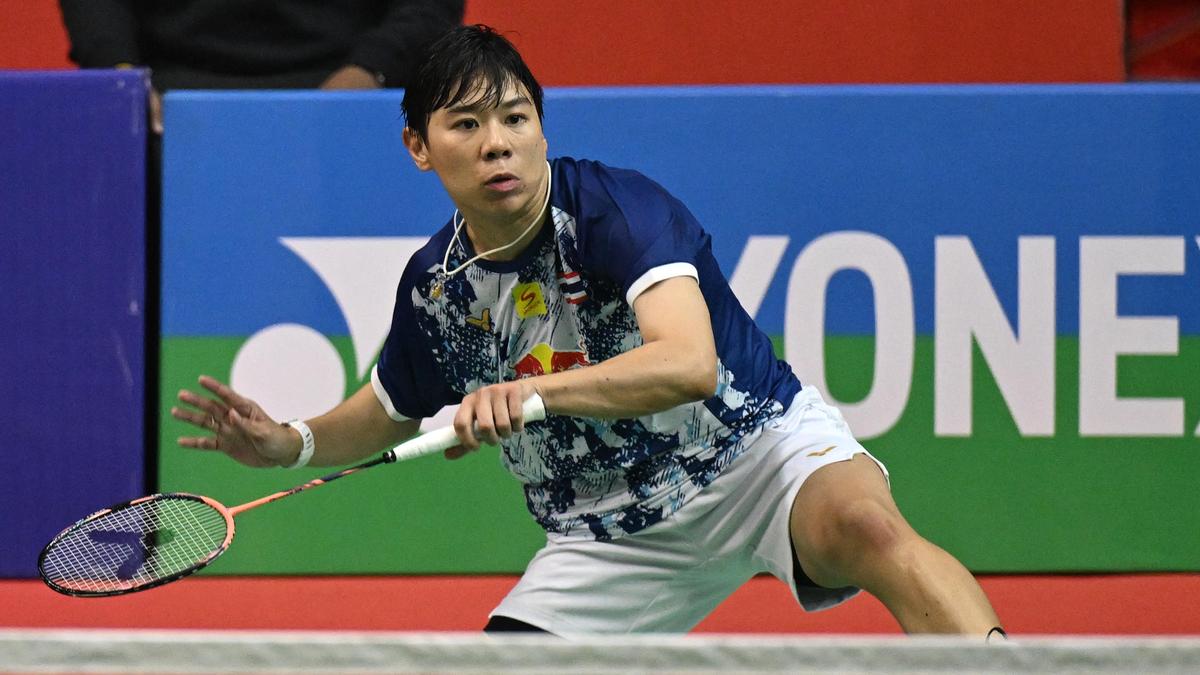
Syed Modi India International badminton: Heartbreak for Tanvi and Treesa-Gayatri
19 minutes ago
Editorial & Syndication Notice: This story has been syndicated or published by 360 NEWS in accordance with verified fair-use, official press dissemination, and original attribution protocols. All trademarks, photos, and referenced quotes remain the property of their respective owners. For editorial corrections, press inquiries, or rights notices, contact [email protected].

Comment
0Upholding journalistic discourse. No registration required.
No comments yet. Share your perspective!